Combat
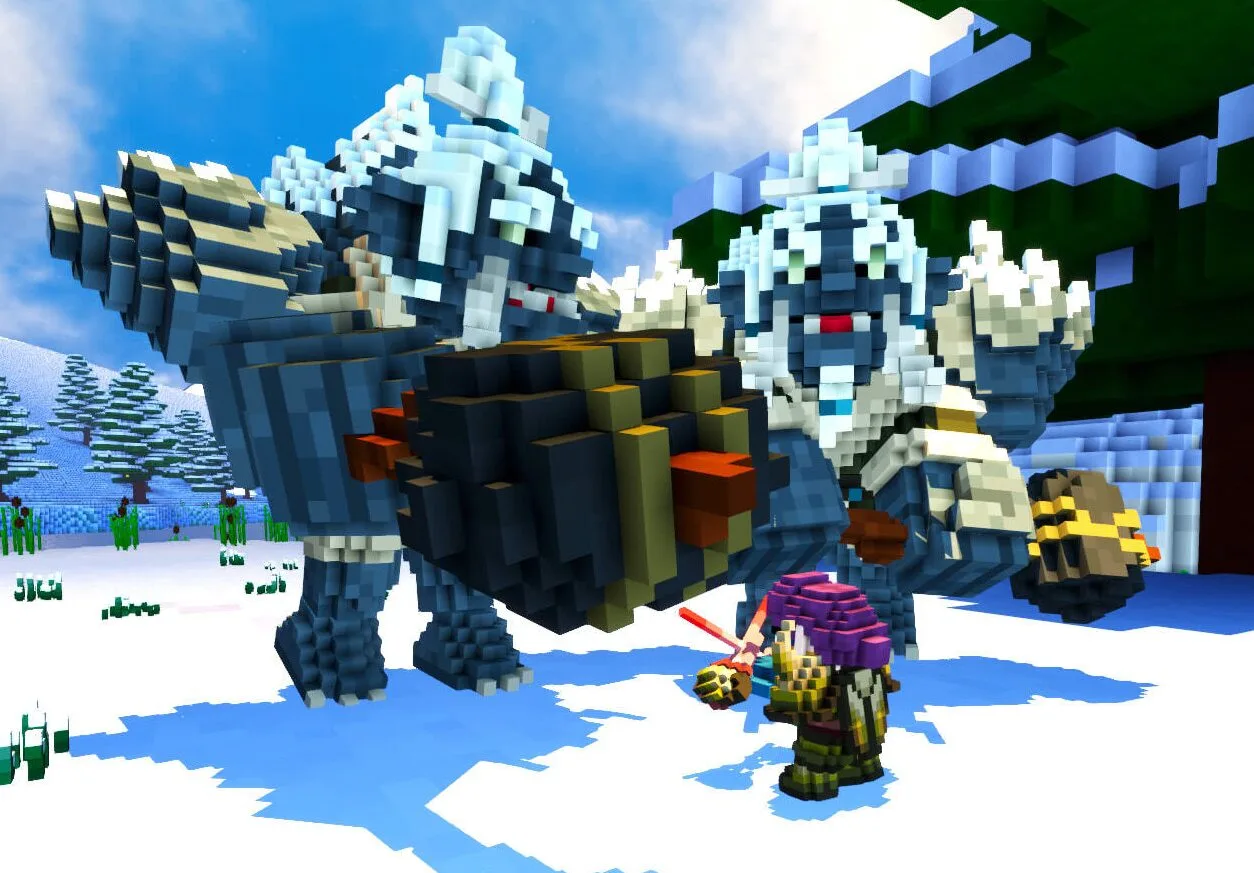
Xindeler's combat system is real-time, based on active abilities, positioning and status mechanics that create tactical depth.
Combat Controls
If you've never played before, this is the short version — every action mentioned on this page, mapped to the key or button that does it:
| Action | Key / Button |
|---|---|
| Attack Primary | Mouse Left |
| Attack Secondary | Mouse Right |
| Block (hold) | Alt |
| Parry (Block, timed to the instant an attack lands) | Alt |
| Dodge / Roll | Mouse Middle-click (macOS: Shift) |
| Toggle weapon / wield | R |
| Class abilities & combos (hotbar) | 1–9, Q |
These are the defaults — see Getting Started for the full keybind list, and every key is rebindable in the settings menu.
Core Mechanics
Energy
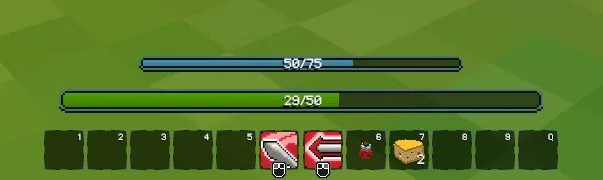
Energy is the primary resource for executing active abilities. It regenerates passively and can be increased with racial passives (Human +3% recovery, Gnome +5% maximum) or class abilities.
Combos
Some abilities require or generate combo points. Executing abilities in the correct order maximizes damage and triggers additional effects. Combos are triggered from your hotbar (keys 1–9 and Q), same as any other active ability.
Poise
The Poise system determines when a character can be interrupted. Heavy attacks or sufficient damage accumulation breaks the target's Poise, interrupting their current animation. The Dhampir has CC resistance, which indirectly protects their Poise.
Poise depletes through four escalating states before a character is knocked down:
| State | Effect |
|---|---|
| Interrupted | A brief stun that breaks your current action |
| Stunned | A longer stun with a knockback |
| Dazed | A heavier stagger, movement sharply reduced |
| Knocked Down | Full knockdown — a strong knockback and the longest recovery |
Each state hits harder than the last, so chipping away at an enemy's Poise is as valid a strategy as raw damage.
Dodge / Roll — Mouse Middle-click (macOS: Shift)
Rolling grants brief immunity to certain attacks while it lasts — timing a roll through an attack's active window lets you shrug it off entirely instead of blocking or eating the hit. Positioning still matters: a roll that ends inside the attack's effective area doesn't save you.
Block and Parry — Alt
Blocking is its own stance, separate from Parry. Holding Alt reduces incoming damage over its duration; timing that same button-press at the exact moment of an attack instead triggers a parry, which reduces damage to zero and can open counterattack windows. The Warrior has specific abilities to capitalize on parries (DefensiveRiposte).
Backstab — no dedicated key, it's positional
Attacking an enemy from behind with your normal attack (Mouse Left) grants a precision bonus. The Rogue is the most optimized class to exploit this mechanic, but any class can execute backstabs with correct positioning.
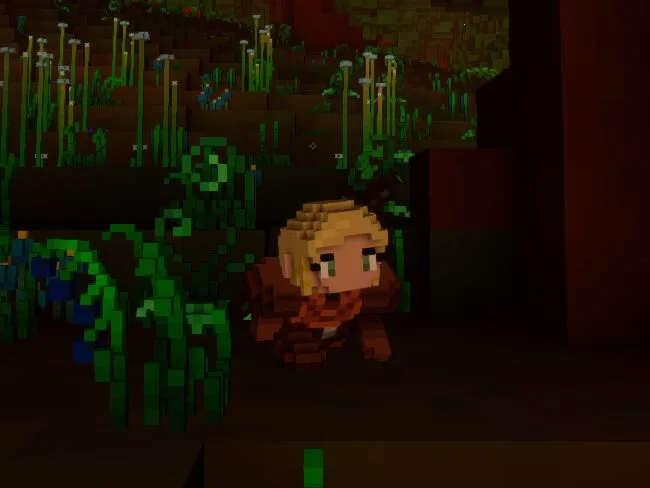
Sneaking (Shift, held) closes distance quietly — enemies notice a crouched character later, which makes it easier to line up a backstab or simply skip a fight you don't want.
Combat Rating
Every character and creature has a Combat Rating — a single number that summarizes how dangerous they are, built from their gear, stats and abilities. It shows up in your bag and character sheet, on nameplates above other entities (as a small tier icon — or a skull if they wildly outclass you), and in party frames. It reuses the same seven colors as item quality:
| Tier | Combat Rating range |
|---|---|
| Low | below 2.0 |
| Common | 2.0 – 3.5 |
| Moderate | 3.5 – 6.5 |
| High | 6.5 – 8.5 |
| Epic | 8.5 – 10.4 |
| Legendary | 10.4 – 122.0 |
| Artifact | 122.0 – 200.0 |
A skull nameplate icon means the target's Combat Rating exceeds 122 — walk away. Combat Rating also feeds directly into other formulas: it's a factor in resistance calculations, and the XP you get from a kill is roughly its Combat Rating × 20.
Buffs and Debuffs
Positive Buffs (selection)
| Name | Effect | |
|---|---|---|
| 💚 | Regeneration | Recovers health over time |
| 💨 | Hastened | Increases movement and attack speed |
| 🛡️ | Fortitude | Increases damage reduction (Dwarf's Stoneblood) |
| ⚔️ | Frenzied | Increases attack damage |
| 🩸 | Lifesteal | Steals percentage of damage as health |
| ✨ | Invulnerability | Temporary immunity to damage |
| 💥 | Fury | Increases critical damage |
| 😡 | Berserk | Berserker mode: increased damage, reduced defense |
Debuffs (selection)
| Name | Effect | |
|---|---|---|
| 🔥 | Burning | Fire damage over time |
| 🩸 | Bleeding | Bleed damage over time |
| ❄️ | Frozen | Severe slow or immobilization |
| 🦶 | Crippled | Movement speed slow |
| ☠️ | Poisoned | Poison damage over time |
| 😱 | Terrified | Flight, unable to attack (Mage effect) |
| 💫 | Charmed | Does not attack the caster (Cleric effect) |
TIP
These icons are a quick-reference for this page, not a 1:1 match to the in-game buff bar art — but the effect names and what they do are exactly what you'll see in your tooltips.
Projectiles and Area of Effect
Projectiles have server-validated cooldowns — it is not possible to fire faster than the server allows. Area attacks have precise and visible telegraphed hitboxes.
Death and Respawn
Upon death, the character respawns at the nearest spawn point. There is no permanent loss of items or levels.
Images on this page are adapted from the Veloren Wiki, available under CC BY-SA 4.0.